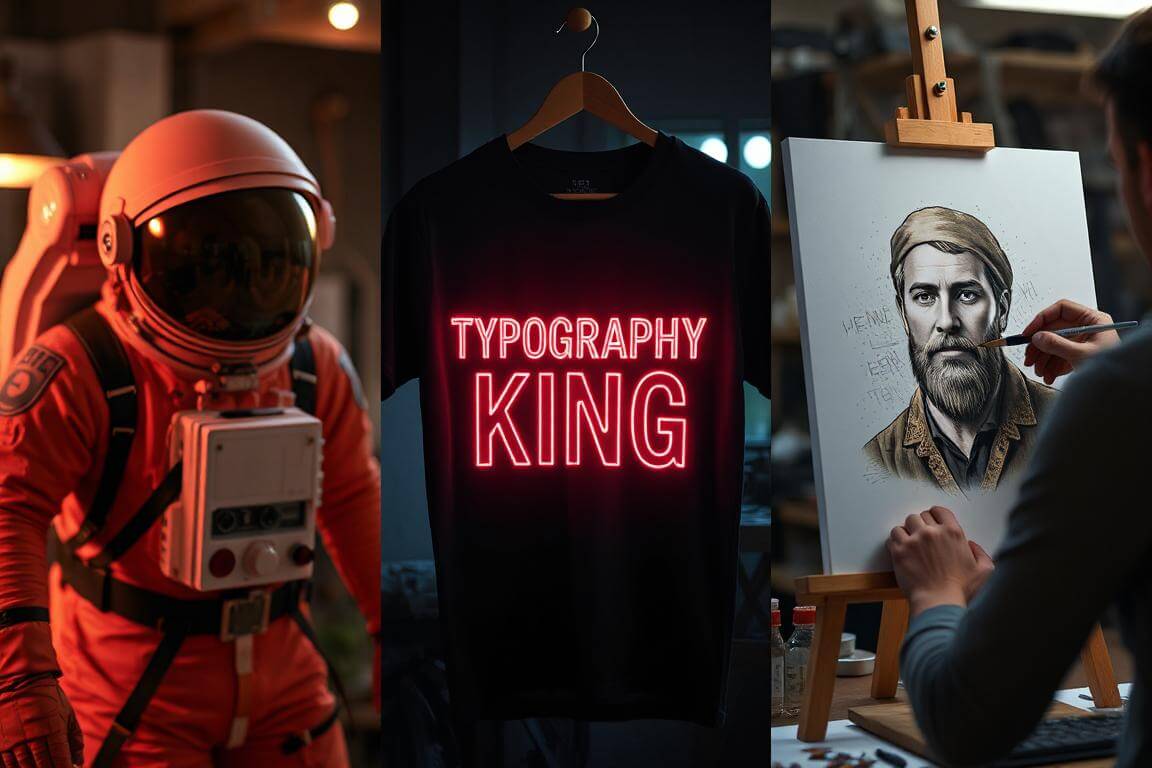
Avast ye! The Print-on-Demand (POD) gold rush is far from over. In fact, as we sail into 2026, the market for unique, niche apparel and merchandise is bigger than ever. Platforms like Etsy, Redbubble, and Printful have made it possible for any Captain with a laptop to launch a global clothing brand without ever touching a screen-printing machine.
But here is the hard truth that most gurus won’t tell you: The seas are choked with garbage. The market is flooded with low-resolution, generic AI art that looks like it was generated by a seasick parrot. To actually make sales and build a real brand, your designs need two things: professional-grade aesthetics and, crucially, perfect typography.
The biggest bottleneck in AI art has always been text. You ask for a T-shirt design that says “Born to Sail,” and the AI gives you a beautiful picture of a boat with gibberish that looks like “BORN TØ S@ÆL.”
This is why we are holding this showdown. We aren’t looking for the tool that makes the prettiest fantasy landscape; we are looking for the best AI art generator for t-shirt design—the tool that can create sellable, high-resolution merch with readable text right out of the box.
We are pitting the three titans of 2026 against each other: the aesthetic king (Midjourney), the typography specialist (Ideogram), and the versatile toolbox (Leonardo.ai). Let the battle begin.
💡 Personal Note: “Back in the early days of AI, I tried to launch a POD store for coffee lovers. I spent weeks generating dozens of ‘amazing’ images. But every time I tried to add text, it looked like alien hieroglyphics. I had to spend hours in Photoshop trying to fix the text, and it still looked pasted on. I realized then: if the AI can’t do the text, it’s only doing 50% of the job. Finding a tool that handles typography is the difference between a hobby and a business.”
The Contender #1: Midjourney (The Aesthetic King)
If AI art has a reigning monarch, it is Midjourney. Operating primarily through Discord (though their web interface is now standard in 2026), Midjourney has consistently set the bar for breathtaking, artistic, and hyper-realistic visuals.
When you see an AI image that makes you stop and say, “Woah, that looks like a photograph,” nine times out of ten, it’s Midjourney.
The Pros for Print-on-Demand
For pure visual impact, Midjourney is hard to beat. Its latest models understand lighting, texture, and composition in a way that few others do.
- Stunning Visuals: If your T-shirt concept is primarily graphic-based (e.g., a retro astronaut, a detailed cyberpunk skull, a watercolor animal), Midjourney will give you the highest quality output.
- Style Consistency: You can use features like “Style Reference” to ensure all your designs have a consistent look, which is crucial for building a brand identity.
- Upscaling: Midjourney offers native upscaling options that are generally good enough for standard T-shirt printing requirements (usually 300 DPI at the print size).
The “Achilles Heel”: Typography & Workflow
While Midjourney is an artistic genius, it has historically been illiterate. In 2026, it has improved significantly, but it still struggles compared to specialist tools. You can put text in quotes in your prompt (e.g., a retro t-shirt design with the text "SPACE CADET"), and it will attempt to render it.
- The Verdict on Text: It’s hit or miss. It is much better than it used to be, but it frequently hallucinates extra letters, misspells simple words, or blends the text into the background art in a way that makes it hard to read on apparel.
- The Workflow Friction: For a truly professional T-shirt with a slogan, the best workflow with Midjourney is often to generate the graphic without text, then take it into Photoshop or Canva to add the typography manually. This slows down your production pipeline significantly.
The Commercial Rights Check
This is critical for any Captain looking to make money. You cannot just use the free trial (if available) and start selling AI art on Etsy.
According to Midjourney’s Terms of Service, you must be an active, paid subscriber to own the commercial rights to the images you generate. If you generate an image while on a paid plan, you own it forever, even if you cancel later. But do not risk your shop by selling images generated on a free tier.
For the exact details, always check the official Midjourney Terms of Service before listing products.
To understand the image quality requirements for platforms like Printful, check out their guide to print file guidelines.
💡 Personal Note: “I still use Midjourney for about 60% of my POD designs, but almost never for ones that require slogans. I use it for complex, illustrative graphics—like a vintage Japanese tattoo style tiger—where the art is the message. If I need words, I know I’m either heading to Photoshop afterward or switching to a different tool altogether.”
The Midjourney Verdict for Merch:
It is the best tool for jaw-dropping graphics, but it is not yet a reliable “all-in-one” solution for designs that rely heavily on specific text.
For insights on what kind of art is actually selling right now, look at the Etsy Seller Handbook’s trend reports (Link updated for current trends).
Understanding the market size is also key; read about the growth of the sector in this Grand View Research report on the Print-on-Demand market.
The Contender #2: Ideogram (The Typography Sniper)
If Midjourney is the artist who paints beautiful landscapes but can’t spell his own name, Ideogram is the graphic designer who obsesses over fonts.
In 2026, Ideogram has cemented itself as the secret weapon for Print-on-Demand. Why? Because T-shirts are 80% text. A shirt with a cool skull is okay; a shirt with a cool skull that says “Dead Men Tell No Tales” in perfect, distressed gothic font is a bestseller.
The “Magic Prompt” Advantage
Ideogram’s superpower is its “Magic Prompt” feature. You can type a basic idea like “A funny cat poster with text ‘I hate Mondays'”, and Ideogram will rewrite that prompt into a detailed design brief, choosing the best colors, composition, and—crucially—the best font style to match the vibe.
- Perfect Spelling: Unlike other tools that struggle with text, Ideogram hits the bullseye on spelling about 95% of the time, even with long, complex sentences.
- Design-Ready Vectors: In the paid tiers, you can now export designs with transparent backgrounds or even as vector approximations, which is a massive time-saver for selling AI art on Etsy.
The “Slogan” Strategy
This tool allows you to target the most profitable POD niches: “Slogan Tees.” These are shirts that rely entirely on clever phrases (e.g., “Introverted but willing to discuss cats”). With Ideogram, you can churn out 50 variations of a slogan in 10 minutes.
For a deeper look at why typography drives sales, check out this guide on Best Fonts for T-Shirts in 2026, which breaks down which styles work for different niches.
The Drawbacks
- Aesthetics: While the text is perfect, the actual art quality is sometimes a step below Midjourney V7. It can look a bit more “clip-art” style, though this is often exactly what you want for a T-shirt.
- Resolution: You will almost certainly need an external upscaler for large prints (like hoodies), as the native resolution can be a bit soft on the lower tiers.
💡 Personal Note: “My best-selling shirt of 2025—a retro neon design for a ‘Gamer Dad’—was 100% Ideogram. I didn’t even open Photoshop. I typed the prompt, it generated the text perfectly inside a retro arcade cabinet, and I uploaded it directly to Printful. It sold 40 units in the first month. Speed is money.”
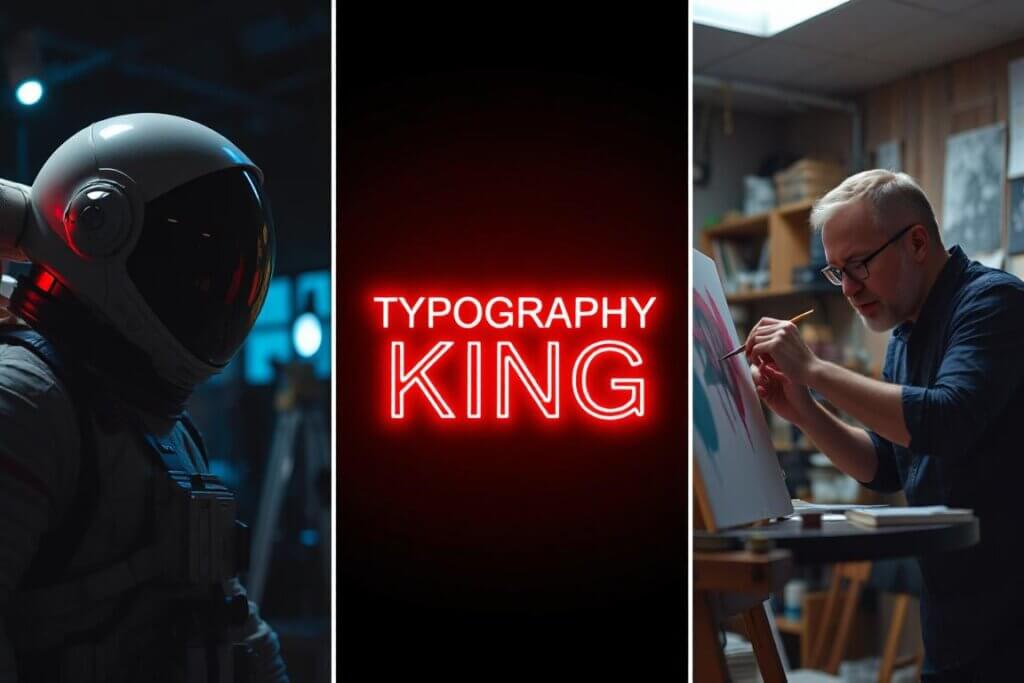
The Contender #3: Leonardo.ai (The Swiss Army Knife)
If you are a Captain on a budget, or if you need a tool that does a little bit of everything, Leonardo.ai is your vessel. Unlike Midjourney (which lives in Discord) or Ideogram (which is a simple prompt box), Leonardo is a full creative studio in your browser.
The “Canvas” Feature: A Game Changer
The biggest reason to use Leonardo for t-shirt design is the AI Canvas. This allows you to “Inpaint” and “Outpaint.”
- Fixing Mistakes: Let’s say Midjourney generated a perfect astronaut but gave him three hands. In Leonardo, you can erase the third hand and ask the AI to fill it in with background stars.
- Expanding Designs: If your design is cut off at the edges, you can use the Canvas to expand the image, adding more smoke, fire, or scenery to fill the front of a shirt.
The “Elements” System
Leonardo allows you to train your own mini-models called “Elements.” If you have a specific style of drawing (e.g., “90s Cartoon Style”), you can train Leonardo to replicate it perfectly every time. This is powerful for creating consistent collections rather than random one-off images.
To understand how flexible this platform is compared to the others, read this TechRadar review of Leonardo.ai, which highlights its unique editing features.
The Pricing Edge
Leonardo offers a generous free daily tier, making it the best starting point for broke sailors. You get 150 tokens a day (roughly 15-30 images) for free, which resets every 24 hours.
💡 Personal Note: “I keep Leonardo open in a tab just for its ‘clean-up’ crew. I often generate an image in Midjourney, then bring it into Leonardo’s Canvas to fix a weird eye or remove a stray artifact. It’s the best repair shop on the high seas.”
The Legal Check: Can You Actually Sell This?
Before you start counting your doubloons, you must navigate the legal waters. The most common question from new sailors is: “Do I own the rights?”
The “Paid Plan” Rule
Across almost all AI art generators, the rule of thumb in 2026 is simple: If you pay, you own it.
- Midjourney: Paid users own their assets commercially.
- Leonardo: Paid users own their assets commercially (and keep them private).
- Ideogram: Does not restrict rights on output, but be careful with public visibility.
The “Public” Trap
If you are on a Free Plan (especially on Leonardo or Ideogram), your images are often Public. This means other users can see them, copy them, and use them. Imagine finding a winning design, only to see 50 other people selling the exact same image because they found it on the public feed.
- Captain’s Advice: Treat the subscription fee as “Privacy Insurance.” The $10-$20/month is worth it to keep your winning designs hidden from copycats.
For the official word, always refer directly to the source. You can read the Leonardo.ai Commercial Usage Policy to see exactly what is permitted.
For a broader view of the industry laws, ZDNET’s 2026 AI Subscription Guide breaks down the costs and ownership value of these tools.
The Captain’s Verdict: Which Tool Wins?
We have tested the fleet. Now, here is the final order for your Print-on-Demand business.
🏆 The Winner for Text-Heavy Merch: Ideogram
If your strategy is “Funny Slogans,” “Quotes,” or “Niche Phrases” (e.g., Nurse Life 2026), Ideogram is the undisputed king. It will save you hours of Photoshop time.
- Best For: Slogan tees, retro typography, speed.
🎨 The Winner for Artistic Graphics: Midjourney
If your strategy is “Stunning Visuals” (e.g., Fantasy animals, Cyberpunk cities, intricate patterns), Midjourney is still the leader. The image quality is simply higher.
- Best For: Full-print hoodies, posters, art-first designs.
🛠️ The Winner for Beginners & Fixing: Leonardo.ai
If you want a free place to start or need to edit existing images, Leonardo is the best utility tool.
- Best For: Zero-budget starts, editing/repairing images.
Conclusion: Stop Generating, Start Selling
The technology in 2026 has removed every excuse. You don’t need to be an artist. You don’t need to be a typographer. You just need to be a Curator.
Pick your tool based on your niche. If you are selling slogans, grab Ideogram. If you are selling art, grab Midjourney. But whatever you do, get your designs out of the chat window and onto a storefront. The market rewards the sailors who ship, not the ones who stay in the harbor polishing their compass.
Your Orders:
- Sign up for Ideogram (even the free trial).
- Generate a T-shirt design with the text: “AI Captain 2026”.
- See for yourself how perfect the text is.
🔗 Related posts:
- AI Money-Making Predictions for 2026: 3 Trends That Will Build Wealth (Adapt or Get Left Behind)
- How to Start a Faceless YouTube Automation Channel in 2026 (From 0 to Monetized)
- Top 3 AI Tools to Automate YouTube Shorts & TikToks for Passive Income (2026 Review)
- Top AI-Powered Investment Platforms for 2026 (Ranked & Reviewed)