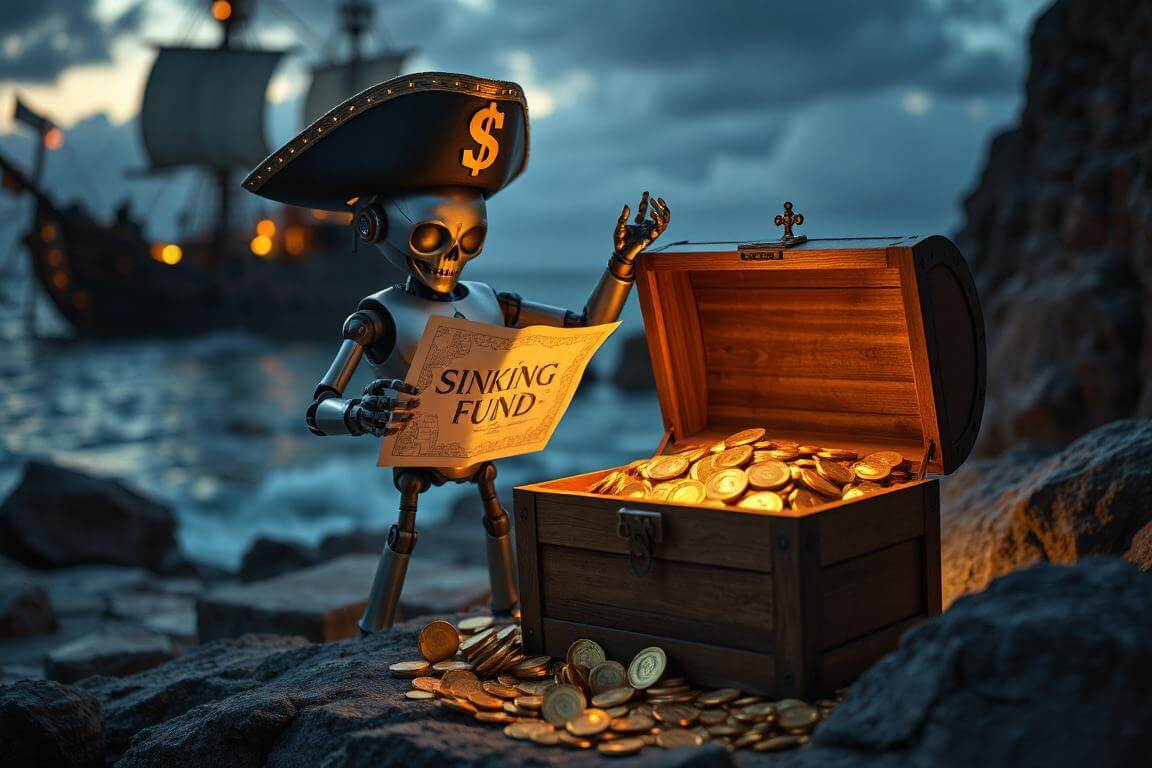
What Is a Sinking Fund (and Why Even Pirates Swear by It)?
Picture this: you’re sailing the seas of personal finance, chest of gold at your side, when suddenly the ship’s mast cracks. Repairs cost a small fortune. If you’ve only got your regular treasure pile (aka your checking account), that expense hits like a rogue wave.
That’s where a sinking fund comes in. A sinking fund is a dedicated stash of money set aside for a specific, predictable expense. Unlike your emergency fund — which handles unpredictable disasters — a sinking fund handles known future costs.
Think of it as putting a few gold coins aside every week so when you dock in port, the big expense doesn’t sink you.
Examples of sinking funds in real life:
- Annual car insurance premium 🏎️
- Vacation savings 🌴
- Holiday shopping 🎁
- Home maintenance 🏡
- New tech (laptop, phone, camera) 💻📱
- Wedding fund (yours, or for a friend/family) 💍
By creating separate sinking funds, you smooth out financial storms. Instead of scrambling for $1,200 in December for gifts, you’ve been setting aside $100 each month since January.
💡Personal Note: When I was freelancing full-time, I used to get blindsided by quarterly taxes. Every April, June, September, and January, I’d feel like my hard-earned treasure was being seized by a navy frigate. Once I set up a sinking fund just for taxes, the stress melted away. I started treating each client payment like a chest that needed splitting — part went to everyday spending, part to long-term investments, and part straight into the “Tax Sinking Fund.” By the time the quarter hit, the money was waiting, and I kept control of my ship.
Why Use AI for Sinking Funds?
Sure, you could track sinking funds with pen and paper. You could even use a spreadsheet. But we live in the age of AI — why not let the machine do the grunt work while you steer the ship?
Here’s what AI can do better than manual tracking:
- Automated Reminders: AI tools like ChatGPT (with integrations), Notion AI, or even simple email automations can nudge you when it’s time to contribute.
- Dynamic Adjustments: If income or expenses change, AI can recalculate your sinking fund contributions automatically.
- Error Reduction: Humans forget. AI doesn’t (at least not unless you delete the prompts).
- Motivation Through Feedback: AI can summarize your progress in a pirate-themed report (“Arr, ye’ve filled 60% of yer Treasure Chest Fund, matey!”).
Step 1 — Choose Your Targets ⚓
Before setting up AI reminders, you need to decide what sinking funds to build.
Here’s a step-by-step breakdown:
- Brainstorm predictable expenses you know will arrive in the next 12–24 months.
- Insurance, vacations, weddings, holidays, car repairs.
- Estimate the total cost. Don’t lowball. If the average wedding gift costs you $300, and you’re invited to three this year, that’s $900.
- Set the deadline. When will you need the money?
- Divide the treasure. Break the total into smaller monthly or weekly contributions.
Example:
- Expense: New laptop
- Cost: $1,500
- Deadline: 15 months from now
- Monthly contribution: $100
💡Personal Note: When I replaced my last laptop, I didn’t use a sinking fund. The old beast died suddenly mid-project, and I had to slap $1,700 on a credit card at 18% interest. Painful doesn’t begin to describe it. After that, I built a “Tech Sinking Fund” with AI reminders that nudged me every payday to toss $75 into a high-yield savings account. When the next laptop upgrade came around, I actually had a surplus waiting. That extra cushion felt like finding a hidden compartment in the treasure chest.
Step 2 — Choose Your Tools (AI at the Helm) 🧭🤖
The beauty of sinking funds today is that you can set them up in multiple ways, depending on your comfort level with tech.
Option 1: Budgeting Apps with AI Features
- YNAB (You Need A Budget): Great for category-based sinking funds. Not fully AI-driven but integrates with automation tools.
- Copilot Money: Uses AI categorization to track progress.
- Monarch Money: Blends automation with goal tracking.
Option 2: AI Assistants & Automations
- ChatGPT or Claude with custom prompts: You can create a recurring reminder system by syncing outputs with Google Calendar or Notion.
- Zapier + AI: Example: every payday, Zapier triggers a reminder email generated by AI, tailored with pirate humor to keep you motivated.
Option 3: Simple DIY AI Reminders
If you’re not ready for full integrations, you can literally paste prompts into ChatGPT and say:
“Every Friday, remind me to transfer $50 into my Vacation Fund. Make it sound like a pirate captain checking in.”
AI will generate a recurring script for you to copy into calendar reminders or emails.
Story Example:
One of my readers, a digital artist, used AI reminders to build a sinking fund for an iPad Pro. Instead of “save $1,200 somehow,” she broke it into $100/month contributions. Every payday, AI sent her a cheeky reminder: “Load yer cannon, lass — another $100 to the iPad chest!” Within a year, she bought it outright. No debt, no stress, and she said the playful AI messages made saving fun instead of a chore.
Step 3 — Set Up the Contributions 💵
A sinking fund is worthless without consistent deposits. Here’s how to keep the sails full:
1.) Automate the Transfer:
- Set a recurring bank transfer every payday into a labeled savings account.
- Example: Ally, Capital One 360, or SoFi let you create multiple goal-based savings “buckets.”
2.) Use AI to Nudge Behavior:
- Have AI send reminders tied to payday.
- If you skip a week, AI can help you adjust future contributions to stay on track.
3.) Track Progress Visually:
- AI can generate charts showing progress toward your sinking fund.
- Add gamification: let AI turn each deposit into a “milestone unlock” message.
Expanded Example (SEO-friendly):
Let’s say you’re planning a vacation next summer costing $3,000. You’ve got 12 months. That’s $250/month. AI can:
- Create a payment schedule.
- Generate motivational check-ins (“Ye’ve stocked 25% of yer travel loot, savvy?”).
- Recalculate if you miss a contribution (“Ye missed last week’s deposit. New monthly goal: $272.50”).
This is the power of combining sinking funds with AI — it’s not just math, it’s accountability + creativity.
💡Personal Note: I use Notion with AI automations for my sinking funds. Each fund has its own “progress bar,” and every time I log a deposit, AI generates a short journal entry in pirate-speak. Sounds silly, but that bit of fun keeps me consistent. Last year, my “Home Repair Chest” hit $4,000 — right before my water heater gave up the ghost. Instead of scrambling, I paid cash. That sinking fund literally saved my ship from sinking.
Step 4 — Review and Adjust the Treasure Map 📜⚖️
Even the best-laid charts need updating. Wind shifts, storms roll in, and sometimes you strike unexpected gold. Your sinking fund plan should adapt with life changes.
Ways AI Helps You Review:
1.) Monthly Check-Ins:
- AI can generate a monthly summary of deposits vs. targets.
- Example: “This month, you contributed $200 of your $250 target. At this pace, you’ll be 2 months behind. Suggested fix: add $25 to each upcoming deposit.”
2.) Scenario Simulations:
- If income rises (say, a side hustle nets $500 extra), AI can suggest allocating part of it to accelerate sinking funds.
- If income drops, AI recalculates minimum contributions so you still arrive in port.
3.) Reallocation Across Funds:
- If one fund reaches goal early, AI suggests redirecting the overflow to other funds.
- Example: You finish saving for a new phone, but still need $1,000 more for your car repair chest.
💡Personal Note: I had a year where freelance income dipped hard. My sinking funds kept me afloat, but only because I had AI helping me reshuffle priorities. It nudged me to slow down contributions to my “Vacation Chest” and increase my “Car Repair Chest.” Sure enough, a month later, my brakes needed replacing. Because I’d adjusted early, I was ready. Without that shift, I would have been stuck with debt instead of smooth sailing.
Step 5 — Keep Motivation High (Pirate Psychology) 🏴☠️🔥
The hardest part of sinking funds isn’t the math — it’s staying motivated for months on end. That’s where AI shines.
Tricks for Staying the Course:
- Gamify the Journey: Ask AI to create a level-up system. Every $100 saved unlocks a new “rank” — cabin boy, quartermaster, captain.
- Write Pirate Journals: Have AI generate a short entry each time you make a deposit. Example: “Arr, the crew stashed another 50 doubloons! The Treasure Chest be 40% full, lads!”
- Visual Progress Maps: AI can create charts, graphs, or even ASCII treasure maps showing your savings progress.
- Accountability Partner: Train AI to act like a shipmate, checking in weekly.
Example — AI Motivation in Action:
A reader once told me she nearly abandoned her “Holiday Shopping Chest.” AI caught the slip: “Ye be 3 weeks late adding to yer fund. Shall I replot the course?” That playful nudge stopped her from quitting. By December, she had $1,200 set aside and avoided credit card debt for the first time in years.
Advanced Strategy — Multiple Chests, One Ship 🚢💼
Most pirates don’t sail with just one chest of gold. Same with sinking funds. Once you master one, you’ll likely want to juggle several at once.
How to Manage Multiple Funds with AI:
1.) Categorize by Priority:
- High priority: Taxes, car repairs, medical expenses.
- Medium: Vacations, tech upgrades.
- Low: Luxury splurges.
2.) Automate Contributions Across All Funds:
- Example: $500/month of free cash flow split as:
- $200 → Taxes
- $150 → Vacation
- $100 → Home Repairs
- $50 → Gifts
3.) AI Rebalancing:
- If you fall behind in one chest, AI can rebalance automatically.
- Prompt: “Reallocate contributions across my sinking funds so all deadlines are met, even if it means reducing vacation savings.”
💡Personal Note: At one point, I had five sinking funds running at once: taxes, home repairs, a family trip, Christmas gifts, and my laptop upgrade. Tracking them manually was chaos. But with AI, I set a master prompt that reviewed all my balances each month, recalculated contributions, and emailed me a neat summary. It was like having a ship’s quartermaster who never got drunk on rum.
Common Mistakes (and How AI Helps Avoid Them) ⚠️⛈️
Even seasoned sailors slip up. Here are the top mistakes with sinking funds — and how AI can keep you on course.
1.) Underestimating Costs:
- Mistake: Planning $800 for car repairs, when the real bill is $1,200.
- AI Fix: Ask AI to run cost estimates based on averages and inflation trends.
2.) Skipping Deposits:
- Mistake: Missing a few contributions and thinking you’ll “catch up later.”
- AI Fix: Reminders and recalculations keep you honest.
3.) Mixing Funds Together:
- Mistake: Tossing all sinking fund money into one generic account.
- AI Fix: Help label and separate accounts (many banks now offer sub-accounts).
4.) Overcomplicating the System:
- Mistake: Spending more time tracking than saving.
- AI Fix: Automates the busywork so you focus on the treasure, not the map.
FAQ — Questions From Fellow Pirates ❓🏴☠️
Q: How many sinking funds should I have at once?
A: Start with 1–2 high-priority ones. Once you’re confident, expand. More than 5 at a time can be overwhelming without AI.
Q: Where should I store sinking funds?
A: High-yield savings accounts work best — safe, liquid, and earning some interest. Many online banks let you create separate “vaults” or “buckets” for each fund.
Q: Can AI actually move money for me?
A: Not directly (yet). But AI can integrate with automation tools (Zapier, IFTTT) that trigger transfers. Otherwise, let AI generate reminders that keep you accountable.
Q: How’s this different from an emergency fund?
A: Emergency funds = unpredictable disasters (job loss, medical bills). Sinking funds = predictable expenses (holidays, repairs). Both are essential.
Q: Can I invest my sinking fund instead of saving it?
A: Not recommended. Since sinking funds have short timelines (usually under 2 years), they belong in cash or high-yield savings. Investing risks losing money before you need it.
Wrapping Up — The Treasure Awaits ⚓💰
Sinking funds aren’t glamorous. They’re not the glittering diamonds of investing or the roaring cannons of side hustles. But they are the quiet anchors that keep your ship steady. By pairing sinking funds with AI reminders, you create:
- A predictable, stress-free way to cover big expenses.
- A system that adjusts as your life changes.
- A motivational loop that makes saving fun.
So whether you’re saving for taxes, voyages, or even a brand-new ship, remember: a few coins stashed regularly will build a chest large enough to weather any storm. And with AI at the helm, you’ll always have a trusty quartermaster whispering reminders in your ear.
💡Final Personal Note: When I first heard of sinking funds, I brushed them off. “Too simple,” I thought. But simple doesn’t mean weak. Once I combined sinking funds with AI reminders, my finances became smoother than a calm sea at dawn. Every expense had a chest waiting. Every surprise became manageable. The stress of “where will I find the money?” disappeared. Instead, I felt like the captain of my own ship — prepared, disciplined, and free.
And that’s the beauty of this system: it works whether you’re earning doubloons as a freelancer, a business owner, or a salaried worker. If you stick to it, your sinking funds will be overflowing before you know it.
Raise the anchor. Start today. Future-you will thank present-you for charting this course.